 Budget Control




 Synced across the family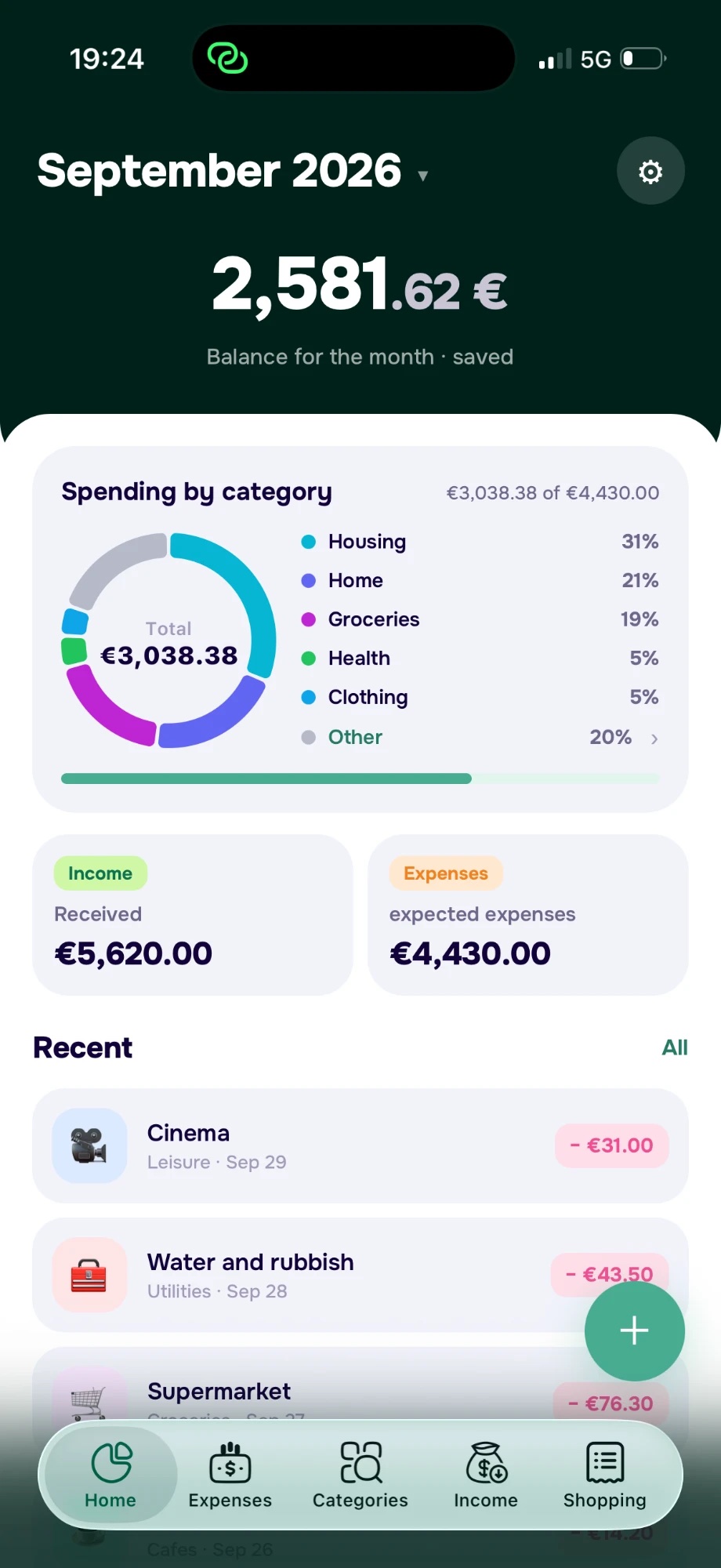
See where your money goes
Groceries, coffee, transport—see your spending by category and understand what adds up over the month.
Track expenses, set spending limits, and save for your plans together. Budget Control keeps your shared budget in sync, so everyone knows how much is left for the month.
Try it free for 7 days
Try it free for 7 days
Add your expenses and let Budget Control handle the math. See where your money goes, track spending limits, and keep your shared budget up to date.
Groceries, coffee, transport—see your spending by category and understand what adds up over the month.
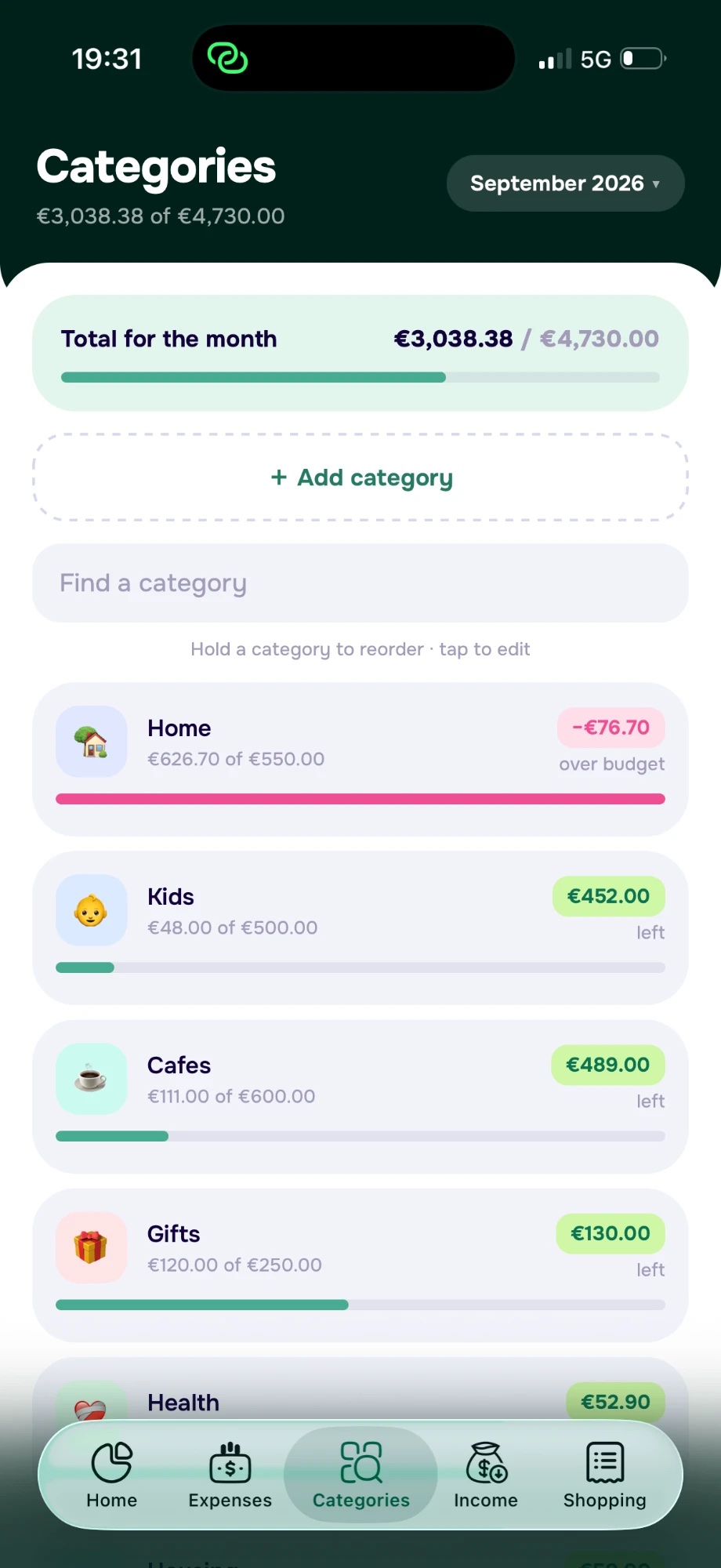
Set category limits and spot overspending at a glance, so you can adjust your plans.
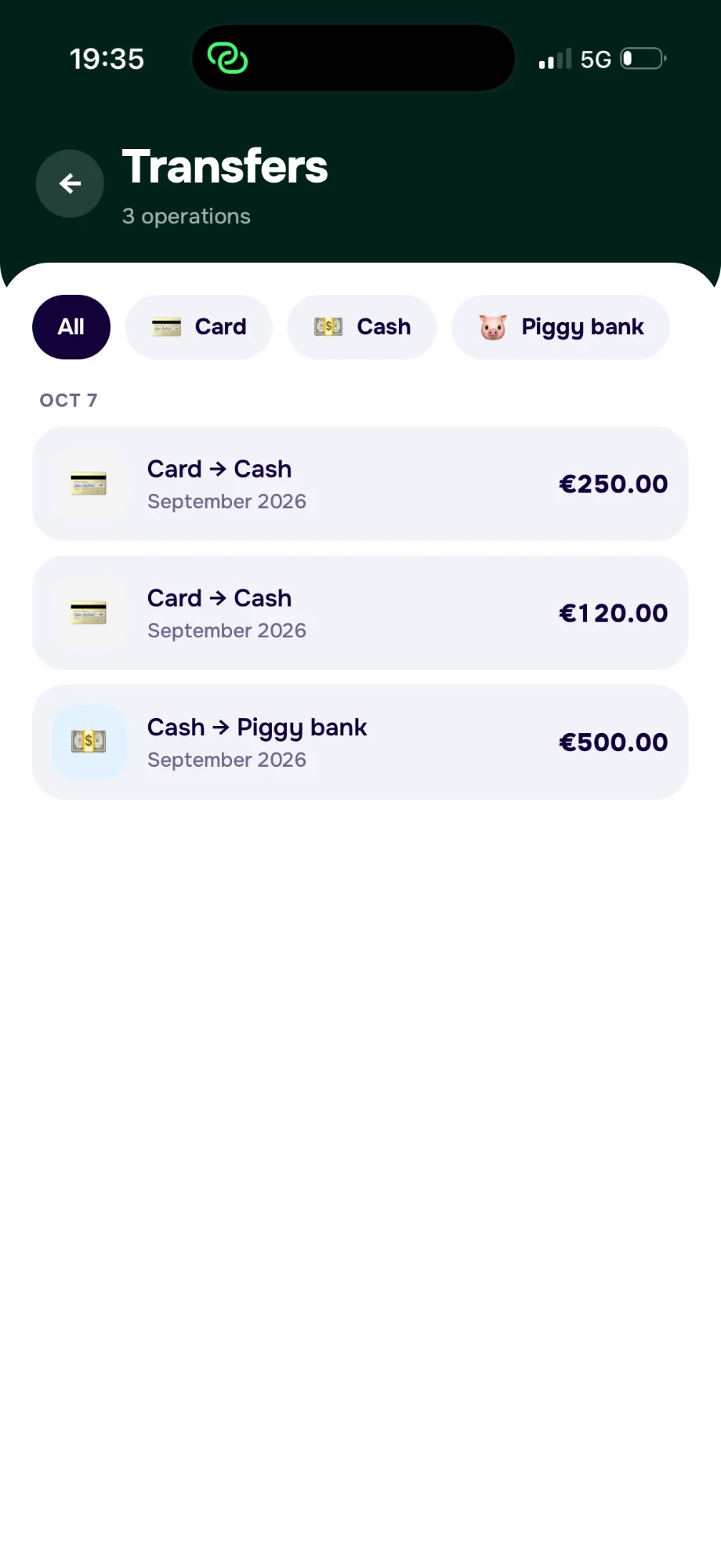
Follow money moved between your card, cash, and piggy bank. See where each amount went.
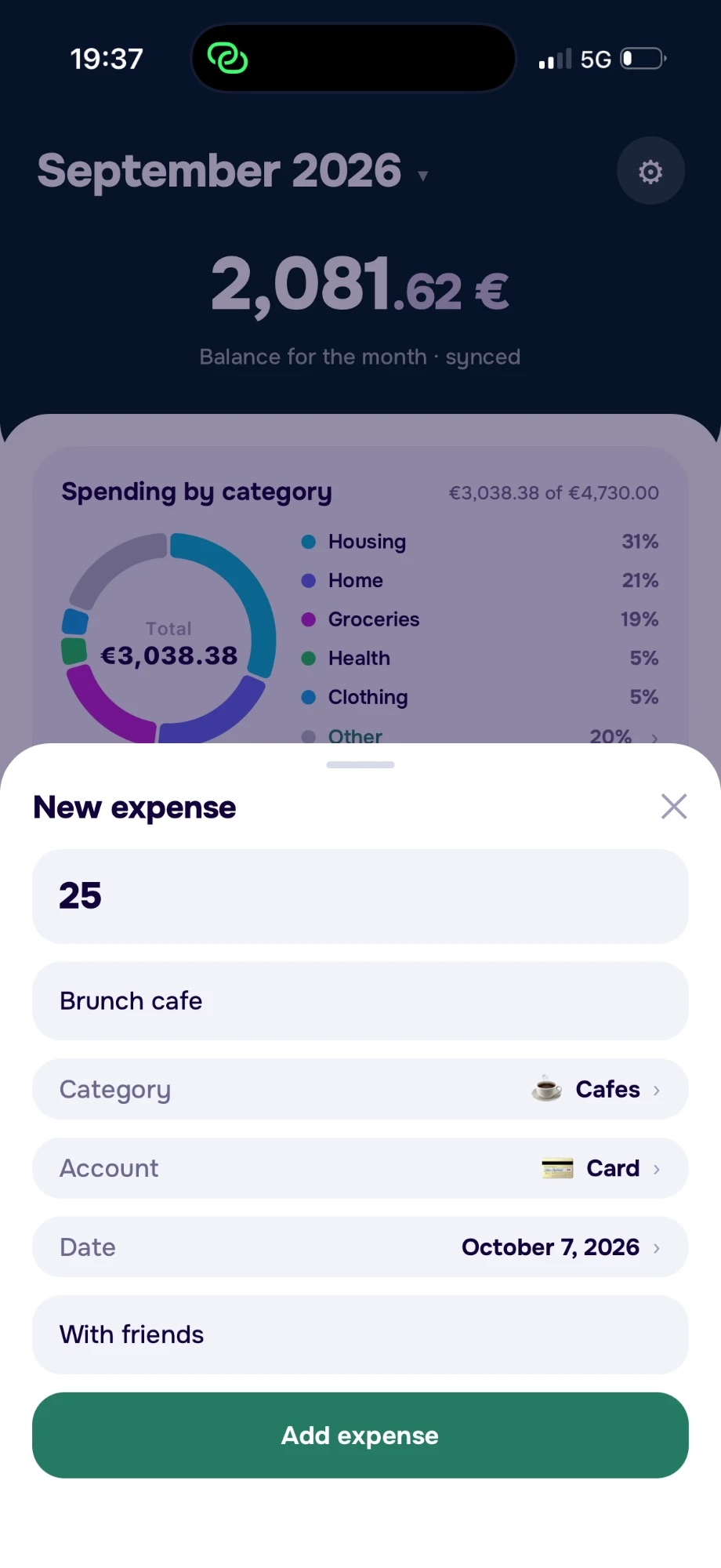
Check your balance, review category limits, and add an expense in seconds. Keep your everyday money decisions close at hand.

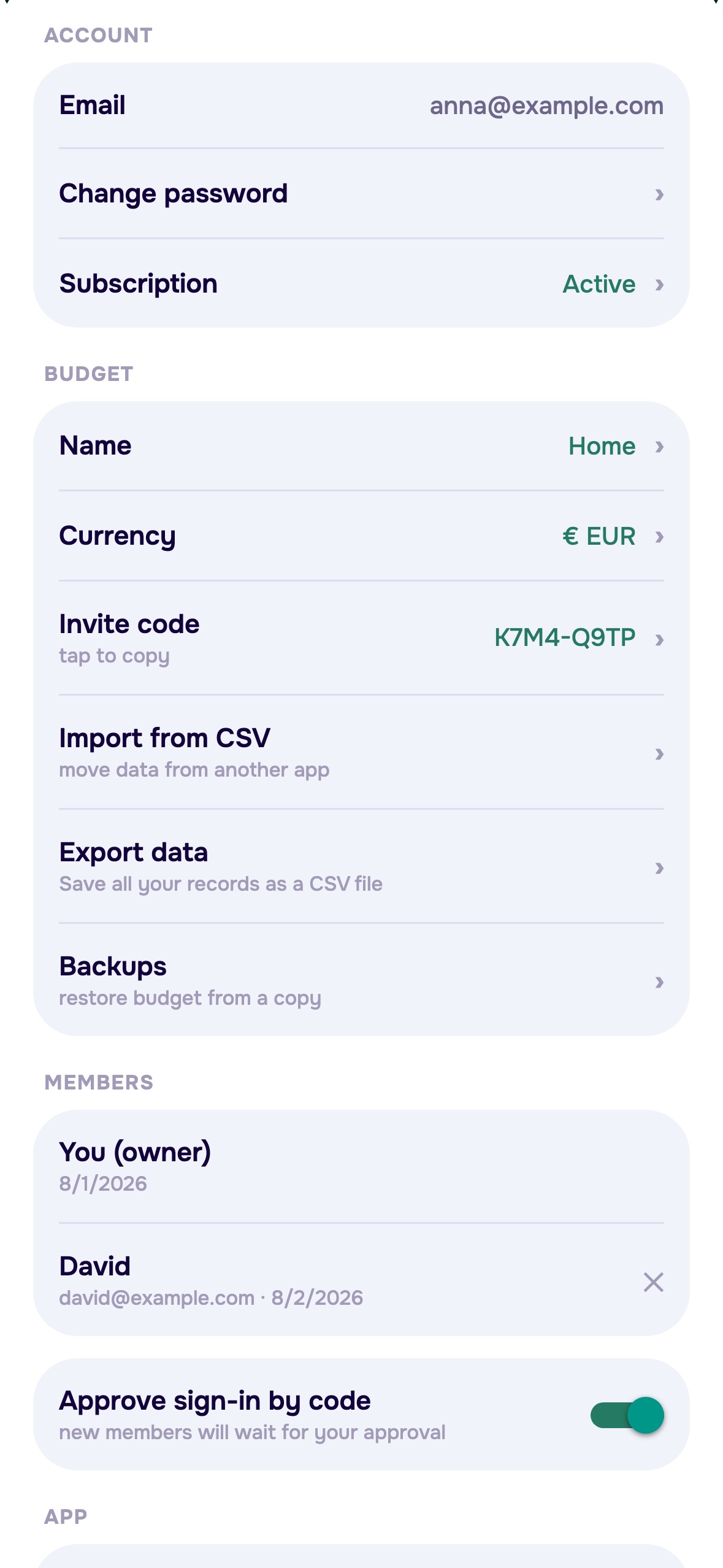
Keep your partner or family up to date with one shared budget. Everyone you invite can add expenses and see the same balances, limits, and savings.
Invite your partner or family with a code. Track spending together, each from your own phone.
Budget Control starts in your phone’s language when supported. You can choose another available language anytime in settings.

Try Budget Control free for 7 days. Then €4.99/
Here’s how shared budgets, subscriptions, and your data work in Budget Control.
Email us at support@budget-control.app and tell us how we can help.
Contact supportYou enter your income and expenses yourself. Budget Control calculates your totals and updates your shared budget. No bank connection or card details are needed to track your spending.
One subscription covers the shared budget. One person pays, and everyone else in the budget gets access without a separate subscription.
After your 7-day free trial, your subscription costs €4.99/month and renews monthly. You can manage or cancel it in your App Store subscription settings.
Yes. In the app, go to Settings → Export data to save all your records as a CSV file. Export is free, with or without a subscription.
On Supabase servers (Amazon Web Services infrastructure), in the London (eu-west-2) region, United Kingdom. A copy is also cached on your device so the app works offline.
Budget Control starts in your phone’s language when supported. You can choose another available language in settings.
Email us at support@budget-control.app and tell us how we can help.